




CORE Insights Configuration and Use Cases
Learn how to configure CORE Insights around your practice, distinguish configuration from filtering, prioritise a realistic number of clients and turn portfolio data into relevant conversations and year-round support.
Watch the recording for a practical walkthrough of configuration, prioritisation, client-meeting preparation, bespoke portfolio analysis and ongoing client engagement.
How should an accounting firm use CORE Insights?
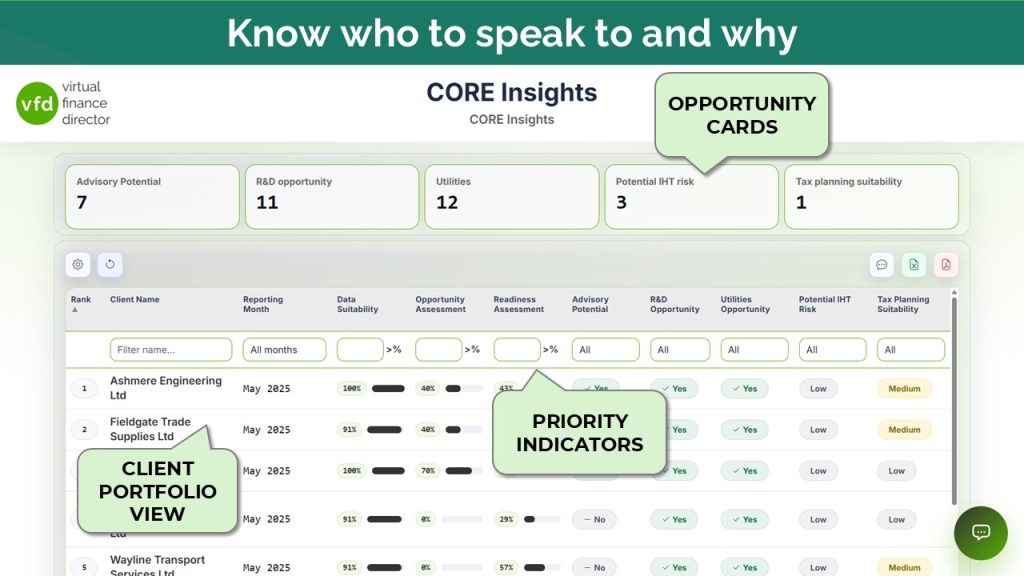
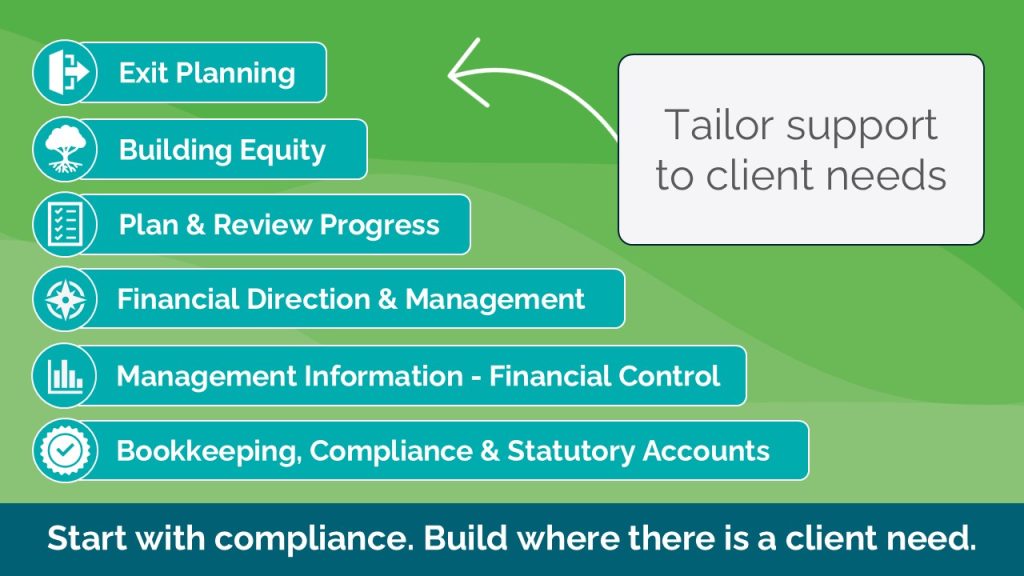
CORE Insights is a prioritisation tool rather than simply a reporting tool. A practice first configures how clients should be assessed, then uses filters to reduce the resulting list to the clients it can realistically support. The insight can then be used to prepare relevant meetings, identify clients for specific services and maintain useful contact throughout the year.
What you will learn
Assess clients your way
Create practice-specific criteria for data suitability, opportunity, readiness, IHT and R&D rather than relying only on the default settings.
Match insight to capacity
Use filters after configuration to focus on a manageable number of clients and direct limited team capacity towards the strongest priorities.
Turn analysis into action
Prepare client reviews, generate focused agendas, record agreed actions and export portfolio data for targeted services or communications.
Remain relevant throughout the year
Combine education, the Business Overview Report, the dashboard and CORE Insights reviews into a repeatable client-engagement cycle.
Five questions to answer before configuring CORE Insights
A useful configuration should reflect the practice’s strategy, client base and available capacity. The webinar recommends answering these questions before changing individual criteria or thresholds.
What decision are we trying to support?
Define the strategic purpose, such as identifying advisory opportunities, working-capital concerns or another practice priority.
Who is the configuration for?
Decide whether one assessment suits the whole portfolio or whether groups such as stock and service businesses need different treatment.
Which criteria genuinely matter?
Include measures that would cause the team to contact a client or discuss the issue during a meeting, and remove irrelevant noise.
What level of change is material?
Set thresholds at the point where the practice would take action and where the movement would matter to the client.
How many clients can we realistically support?
Configure and filter the results to create a prioritised list that the team can actually act upon.
Go directly to the section you need
Select a chapter timestamp to jump directly to that point in the recording above, without leaving VFD Academy.
CORE Insights as a prioritisation tool
Why the platform should be used to decide who needs attention, what to discuss and what should happen next.
Configuration, filters and five planning questions
Understand the separate roles of configuration and filtering, and define what the practice is trying to achieve.
Start simple and refine the results
Build a practical practice-specific configuration, test the output and improve it rather than aiming for perfection immediately.
Default configuration walkthrough
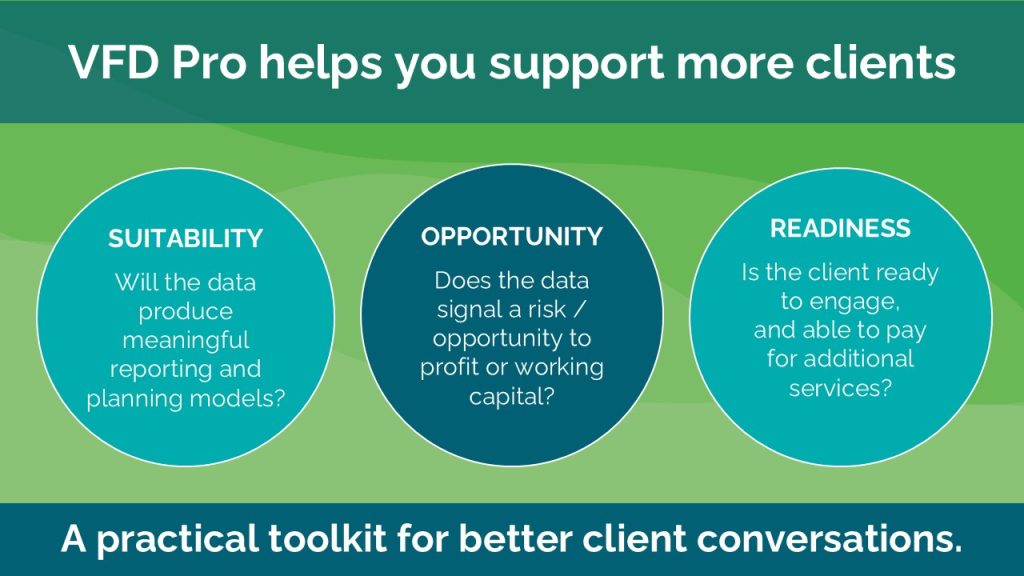
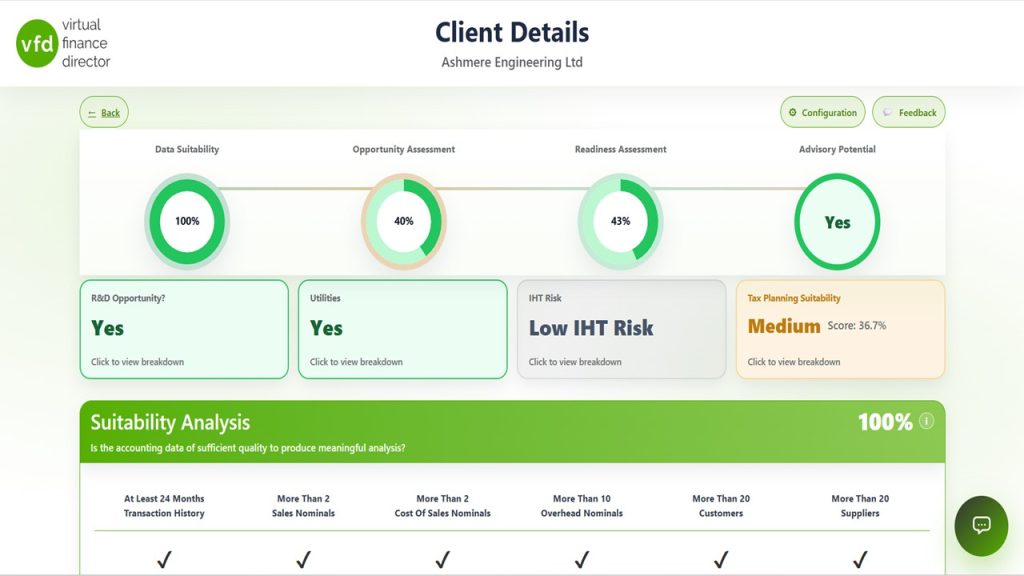
Review the default suitability, opportunity, readiness, IHT and R&D criteria and understand what each assessment measures.
Create a practice-specific configuration
Adjust criteria, materiality thresholds and opportunity measures to reflect the practice’s own priorities.
Segment stock and service businesses
Create a focused variation for clients where stock or other measures are not relevant, without producing unnecessary configurations.
Use filters to match practice capacity
Reduce a larger opportunity list to the clients the team can realistically investigate and contact during the next period.
Use case one: client meeting preparation
Review the client’s drivers, quantify financial impacts, create a focused agenda and record actions against relevant KPIs.
Use case two: targeted services and portfolio exports
Export the underlying data to find clients for lending, working-capital education, audit-threshold or other focused activity.
Use case three: the Four I’s
Use education, reporting, dashboards and reviews to illuminate, inform, investigate and create impact.
Client access and self-service
See how selected clients can update their reporting period and access the Business Overview Report and dashboard.
A repeatable year-round client journey
Bring the tools together into a consistent cycle that keeps the practice relevant and focuses advisor time where it matters.
Configuration creates the list; filters refine it
The distinction is central to using CORE Insights effectively. Configuration determines how clients are assessed whenever the data is refreshed. Filtering is then used to answer a particular operational question without changing the underlying assessment.
| Area | Configuration | Filtering |
|---|---|---|
| Purpose | Defines how clients are assessed | Refines the results for a specific need |
| Typical decisions | Relevant criteria, materiality thresholds and client groups | How many clients to review and which priorities to address first |
| Frequency | Usually established once and refined when necessary | Used whenever the practice needs a focused working list |
| Example | A separate configuration for businesses where stock metrics are relevant | Showing only clients with the strongest opportunity assessment |
| Outcome | A practice-specific view of potential risks and opportunities | An actionable shortlist matched to available capacity |
A year-round client-engagement model
Help clients understand
Use FiMBO education to help business owners understand which numbers matter and why.
Show what is happening
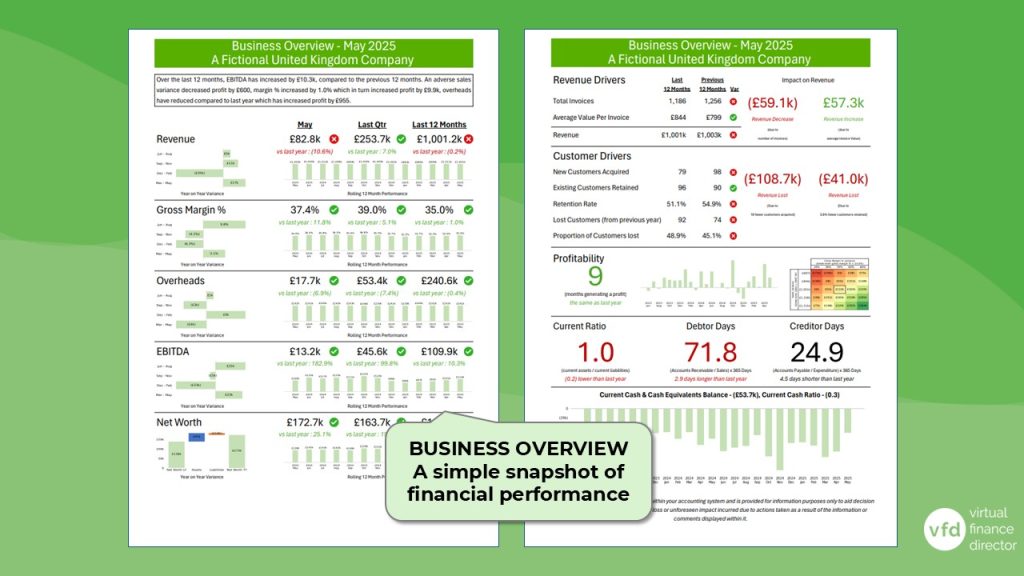
Provide a branded Business Overview Report so clients can see their performance and important trends.
Explore why it is happening
Give appropriate clients dashboard access so they can investigate their numbers between formal reviews.
Focus on what matters
Use CORE Insights to prepare the review, guide the discussion and agree actions that can improve performance.
For firms putting CORE Insights into practice
This practical session is particularly useful for firms that have connected client data and now want a repeatable way to configure, prioritise and act on the results.
- Practice owners and partners defining how CORE Insights should support the firm’s strategy.
- Client and portfolio managers deciding which clients deserve attention first.
- Advisors preparing evidence-led conversations, agendas and follow-up actions.
- Compliance-led firms looking to add more proactive value without overloading the team.
- Fractional FDs and outsourced finance teams applying a consistent review process across several businesses.
CORE Insights configuration questions
What is the difference between configuration and filtering?
Configuration determines how clients are assessed and creates the results list. Filtering is applied afterwards to refine that list for a specific activity, priority or level of available capacity.
Should every client use the same configuration?
Not necessarily. A practice may use a broad practice-specific configuration and create limited variations for distinct client groups. For example, stock-related measures may matter to retailers and wholesalers but be irrelevant to many service businesses.
How should a firm choose materiality thresholds?
Set thresholds at the point where a change would genuinely prompt the firm to act and where the movement would matter to the client. The right threshold can vary by KPI, practice and client segment.
How can CORE Insights help prepare a client meeting?
After prioritising a client, the advisor can review financial and working-capital drivers, use the VFD Agent to quantify their impact, create a focused agenda and record agreed actions against relevant KPIs.
Can CORE Insights support targeted campaigns or services?
Yes. The underlying portfolio data can be exported and filtered to identify clients relevant to lending, working-capital support, education, audit-threshold planning or other practice-specific services.
How can firms use the platform between annual reviews?
Selected clients can use education, the branded Business Overview Report and dashboard access throughout the year. CORE Insights then helps the advisor focus formal reviews on the issues with the greatest potential impact.
Put CORE Insights into practice
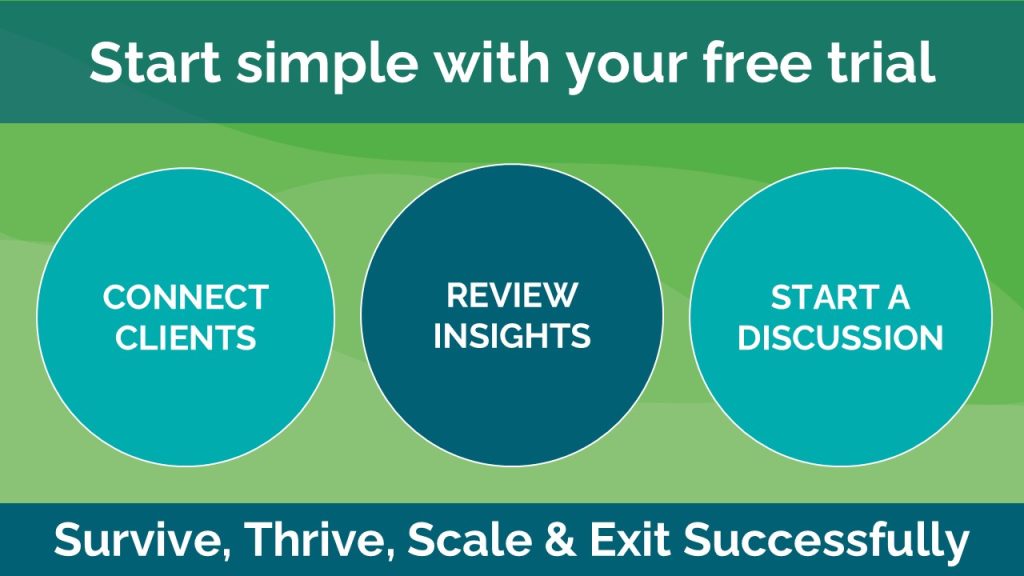
Use the Quick Start resources to connect clients, create a practice-specific configuration and build a manageable process for prioritising and preparing valuable conversations.